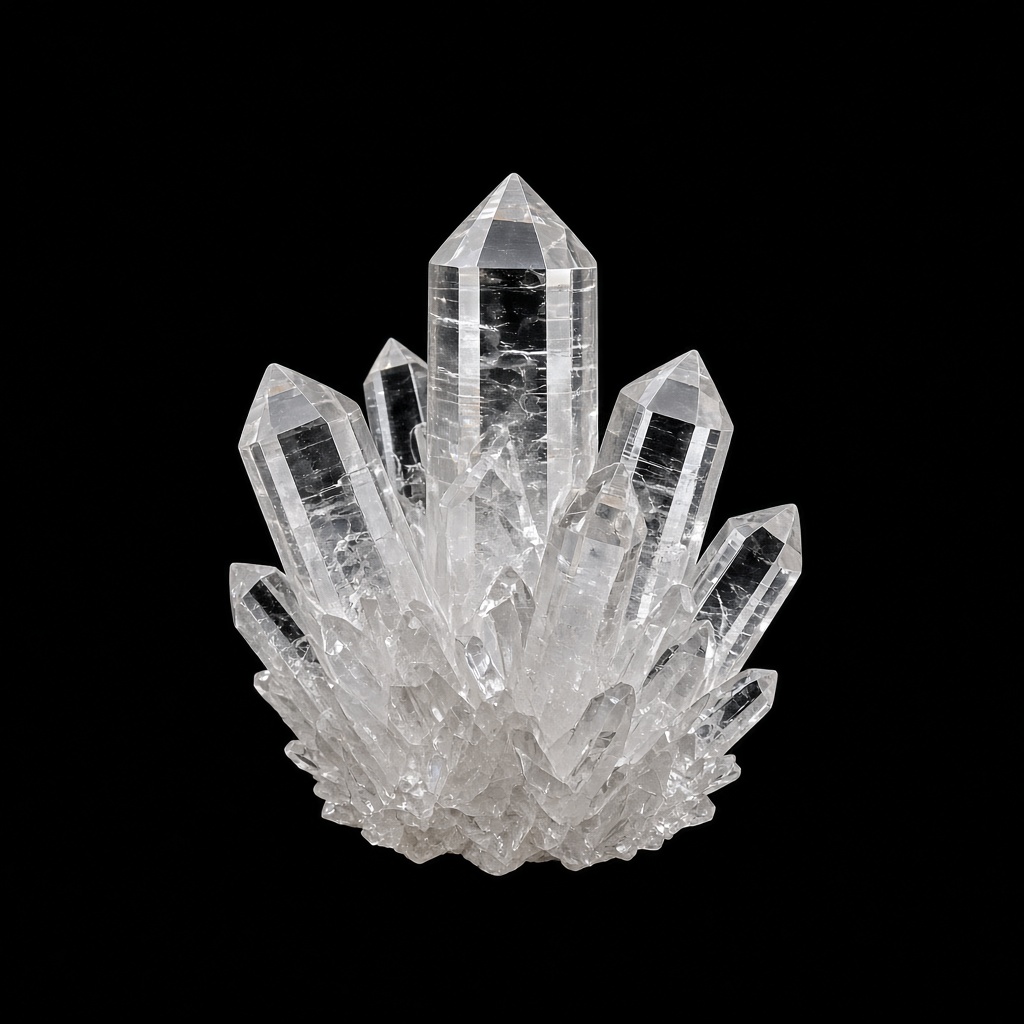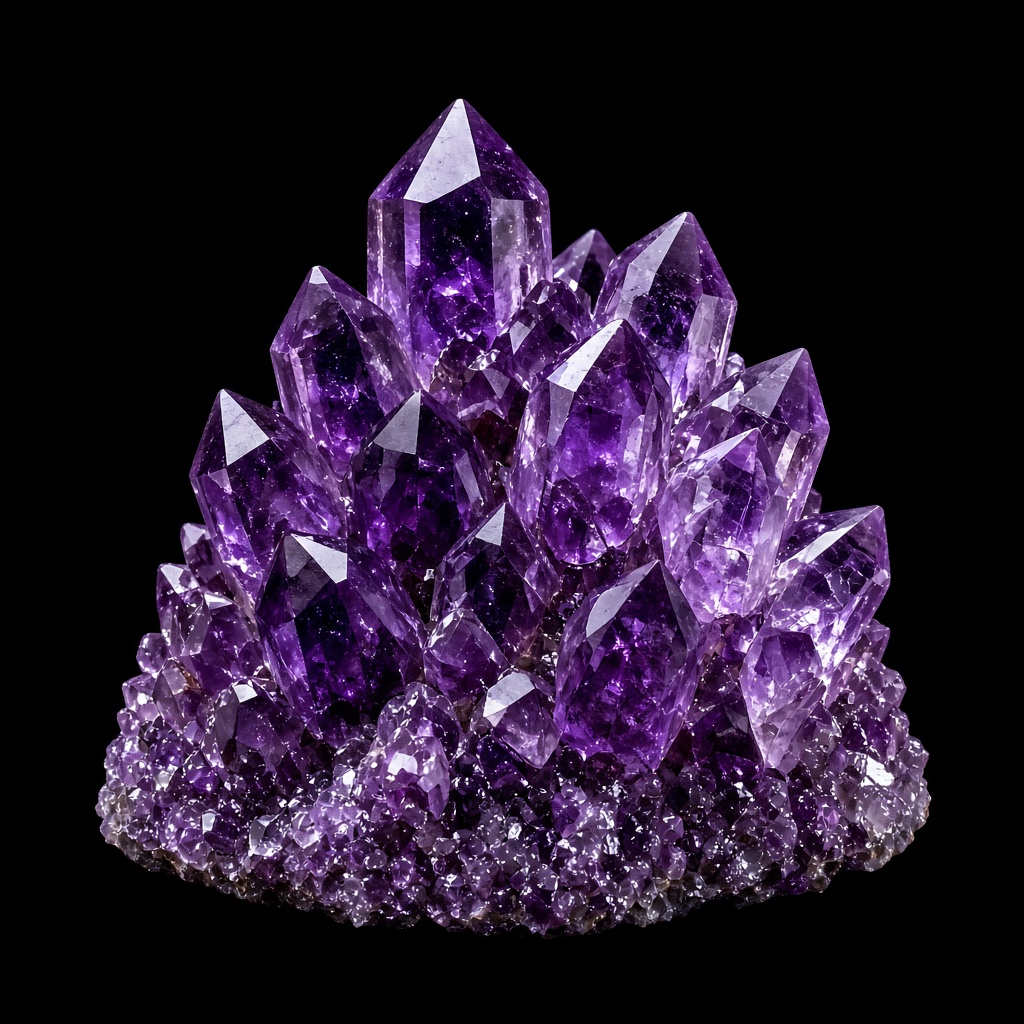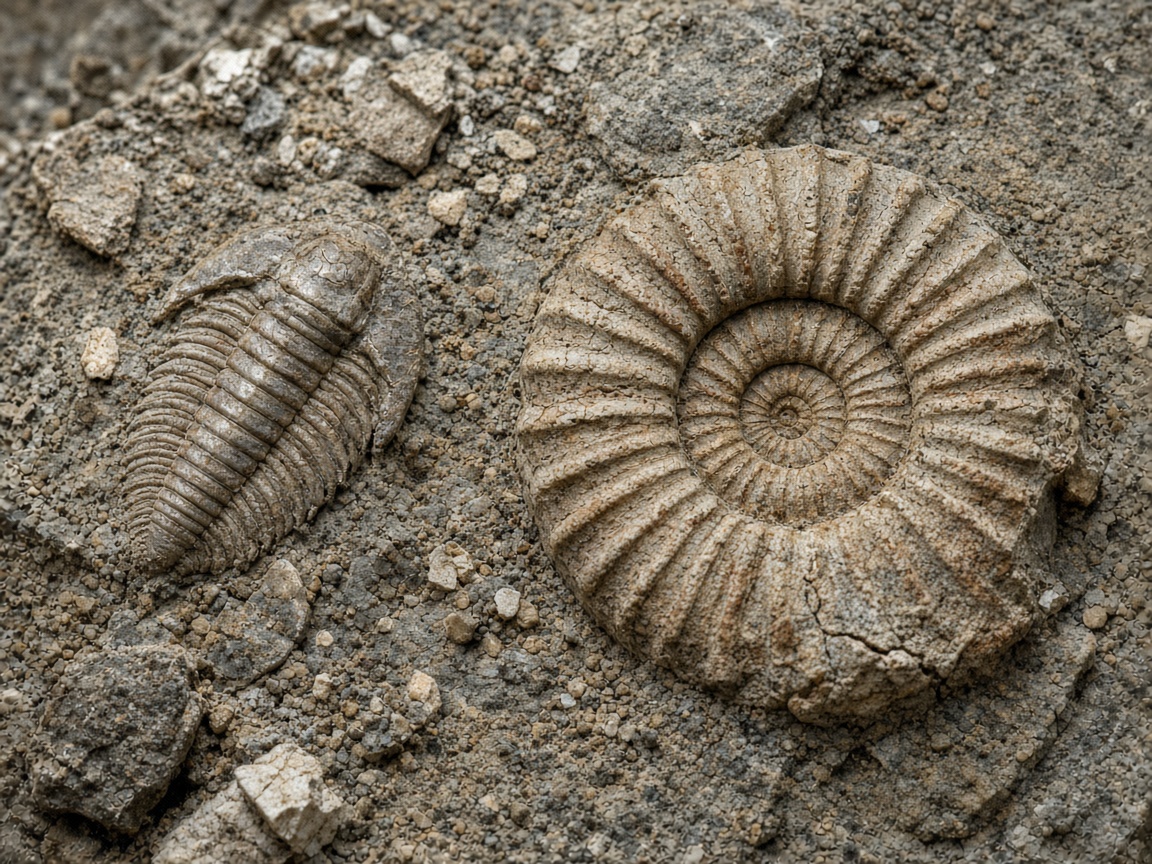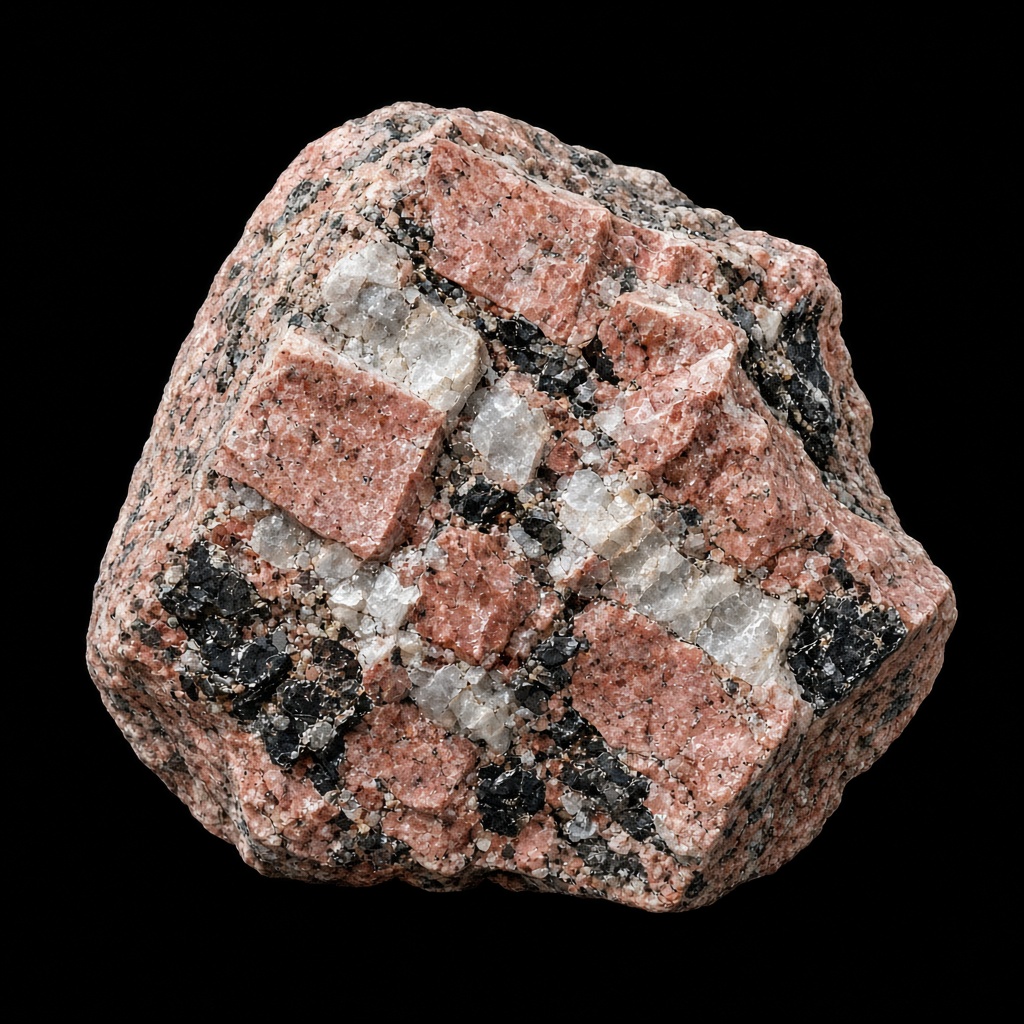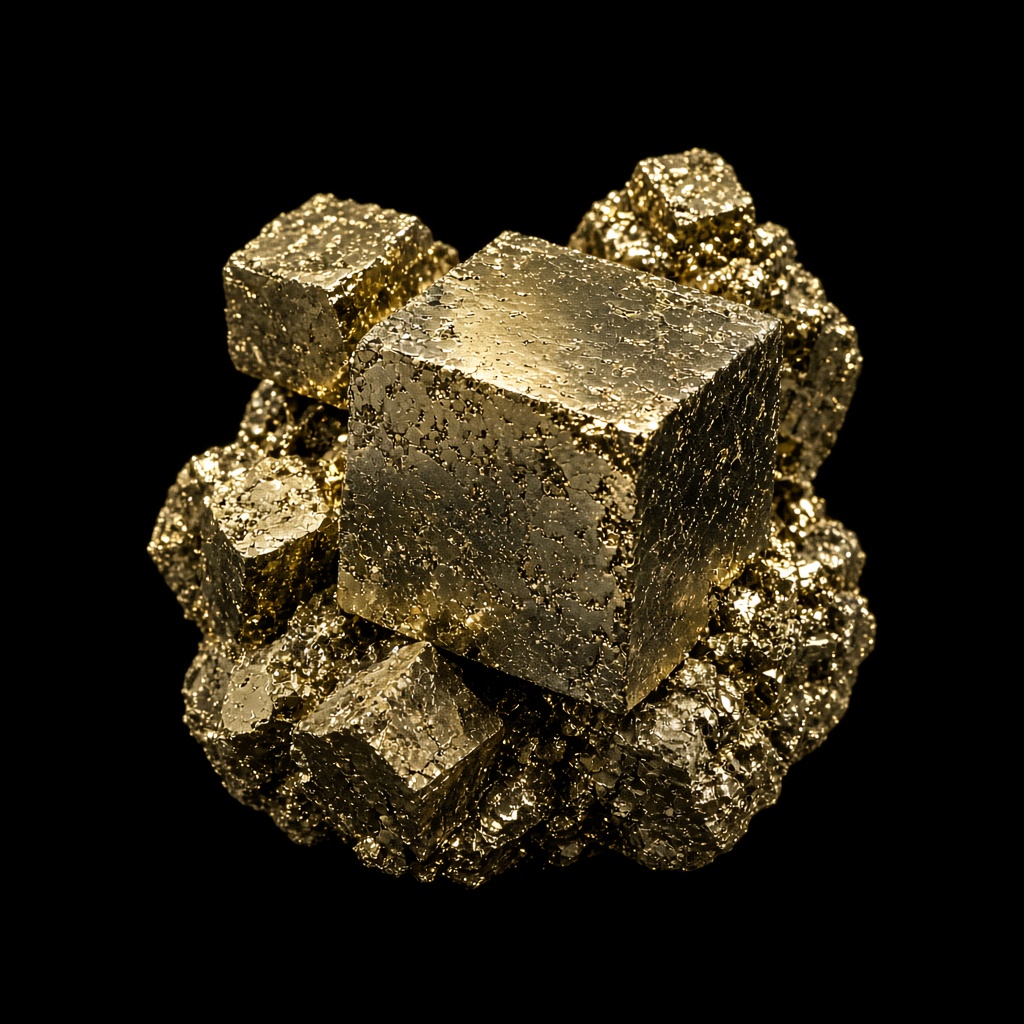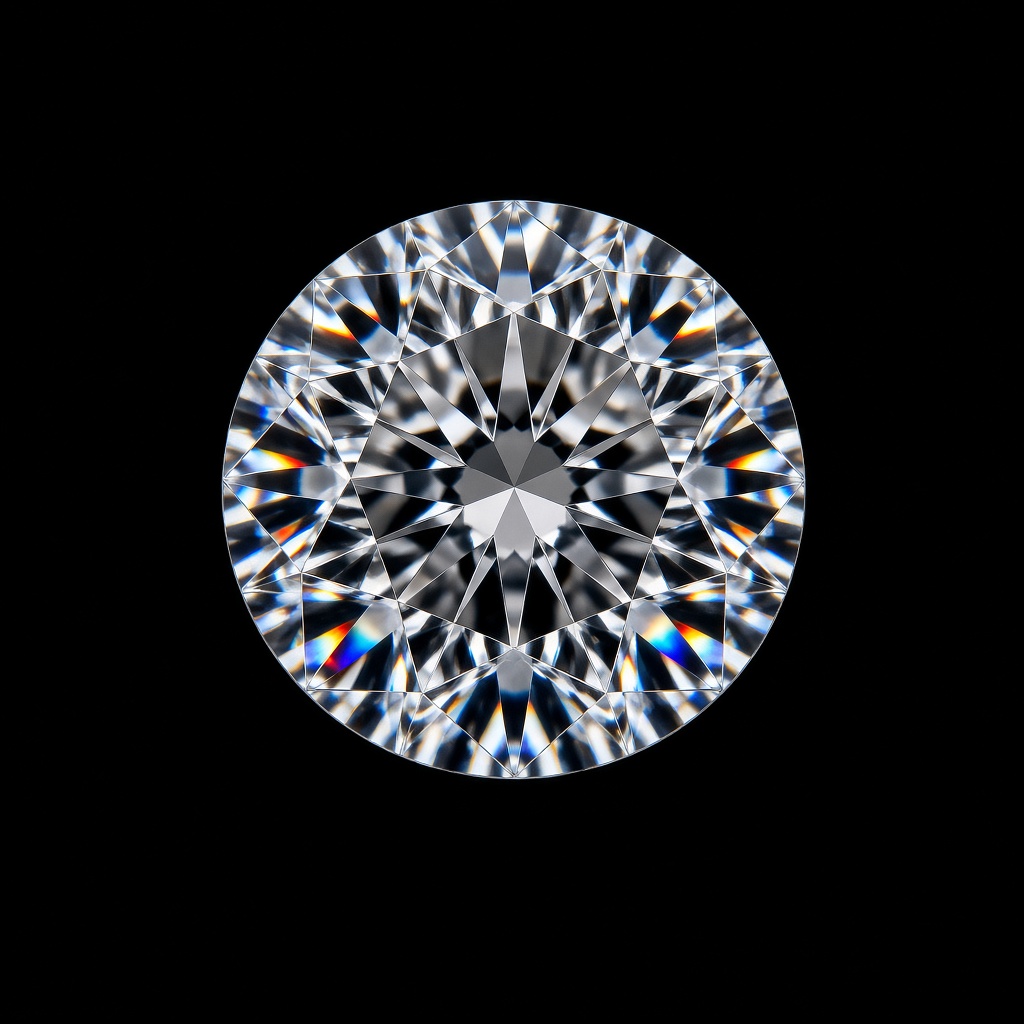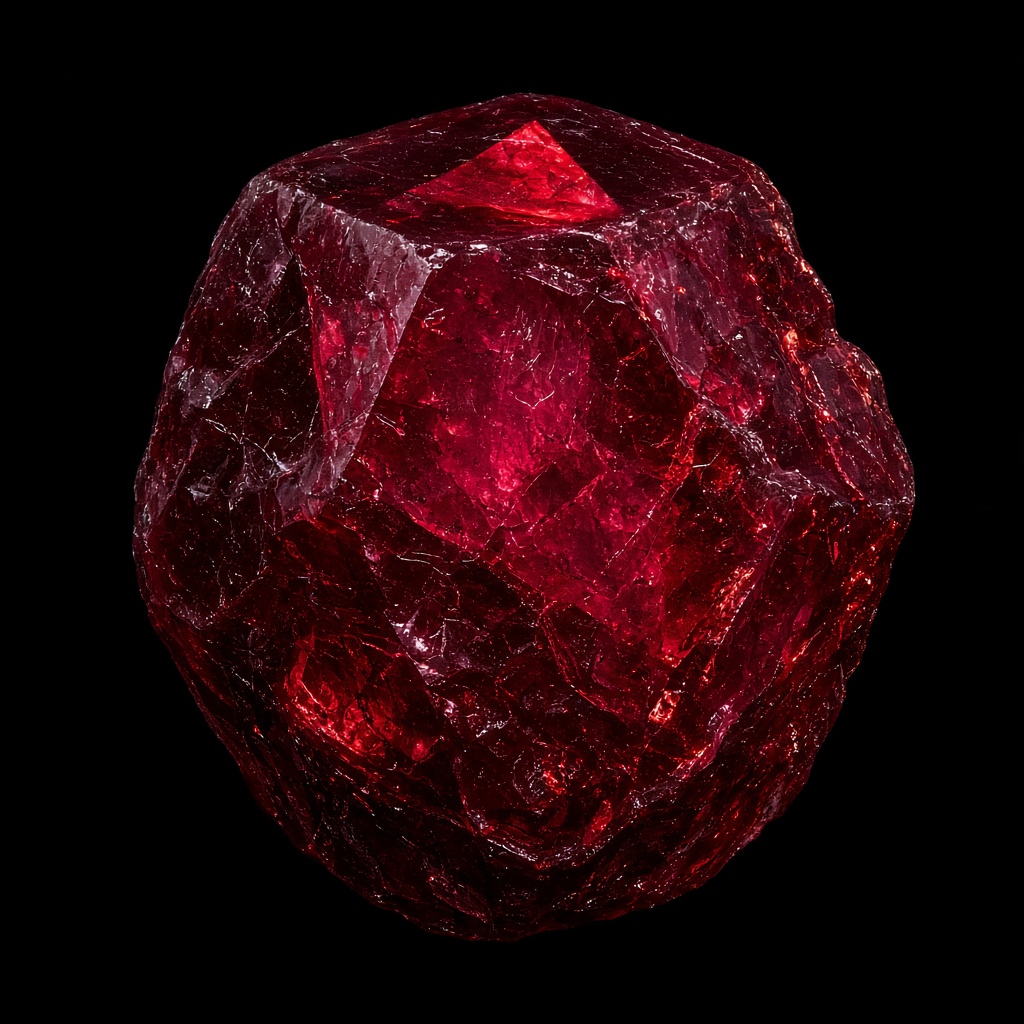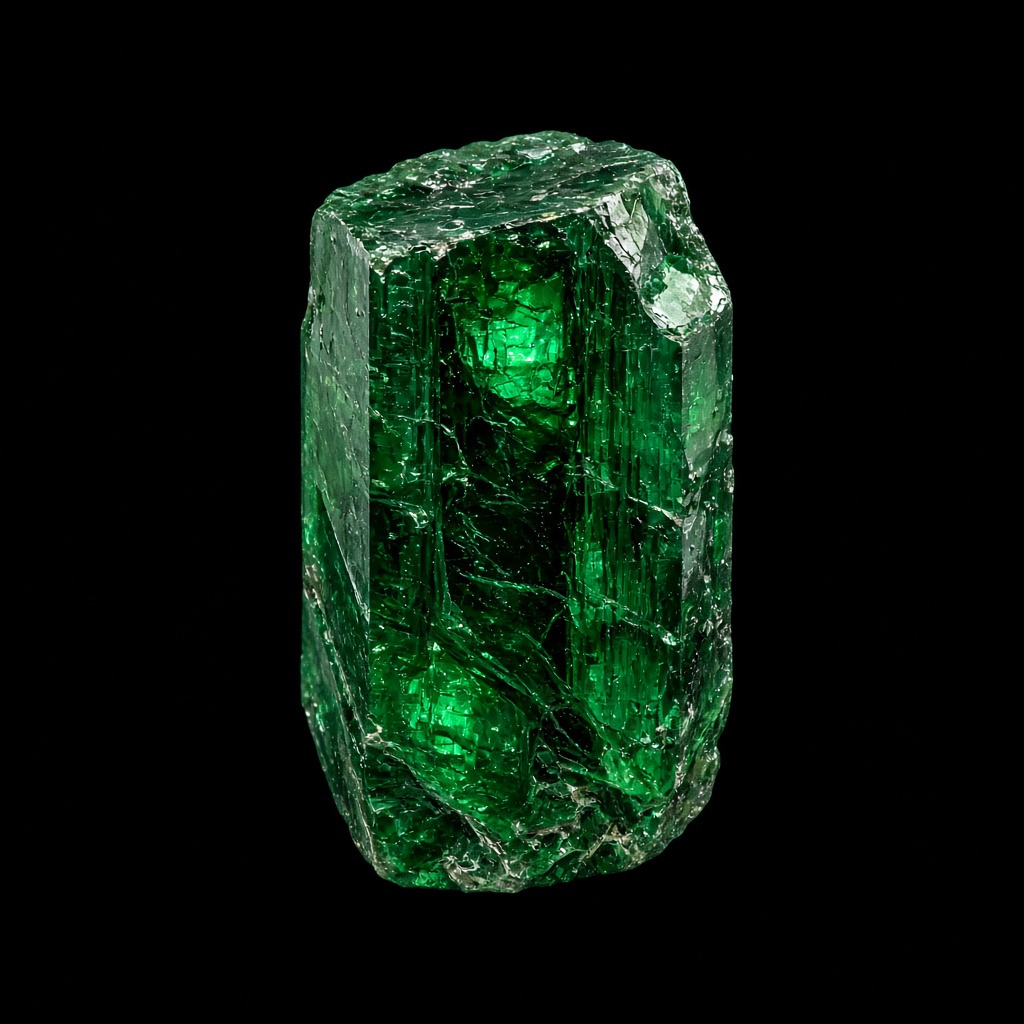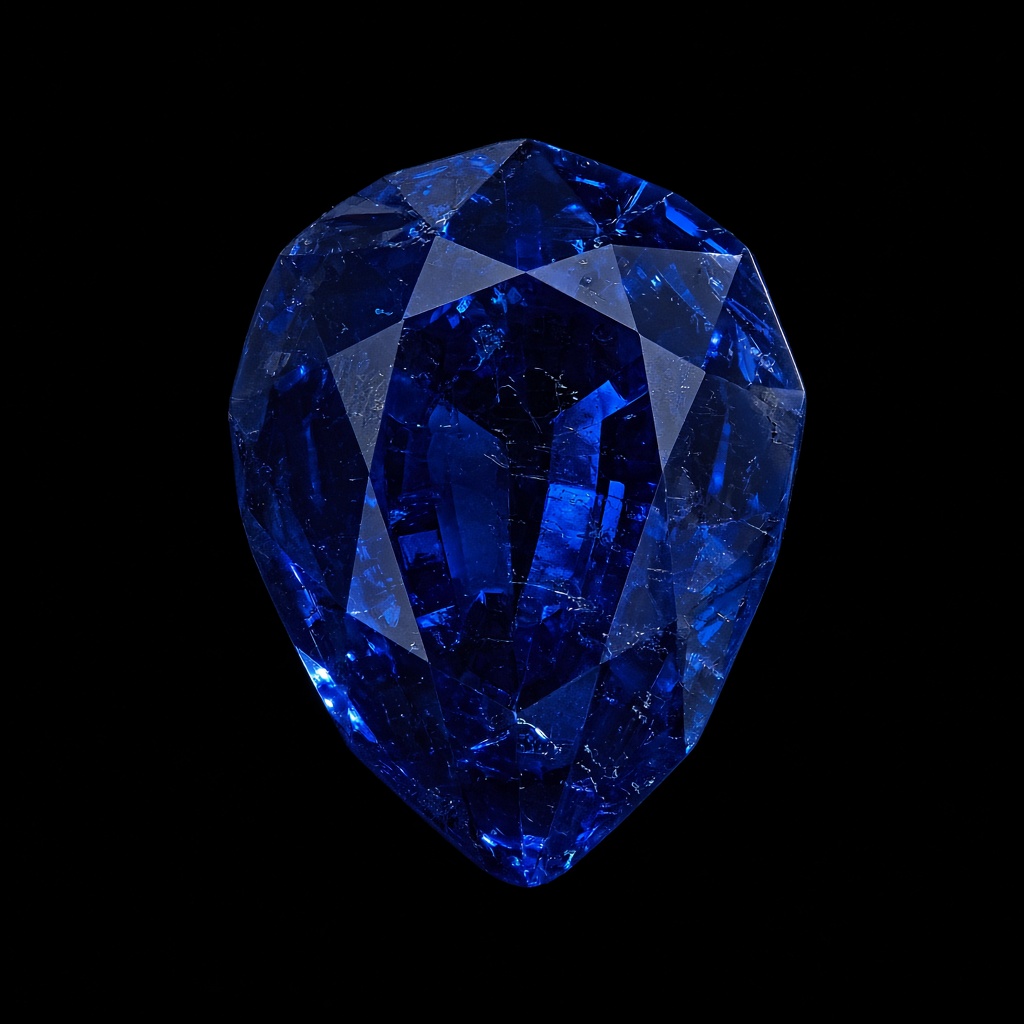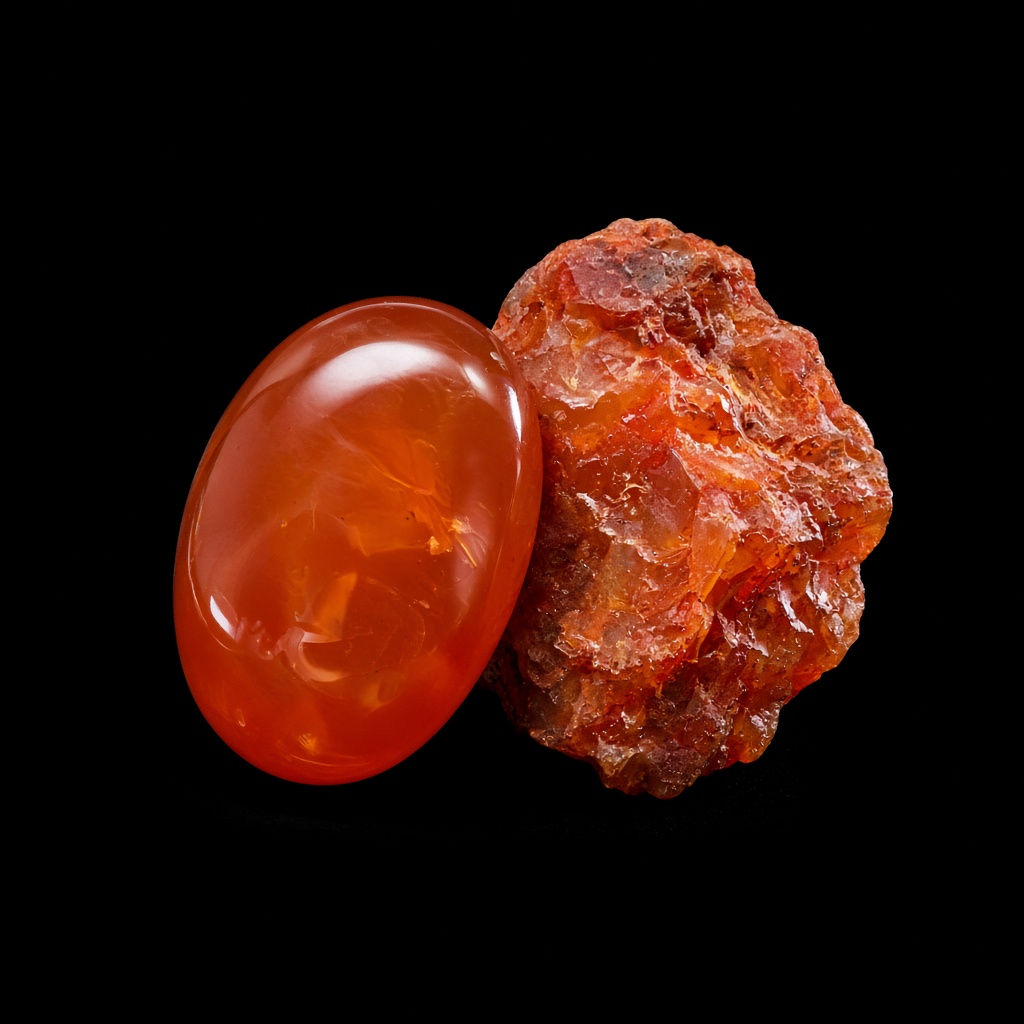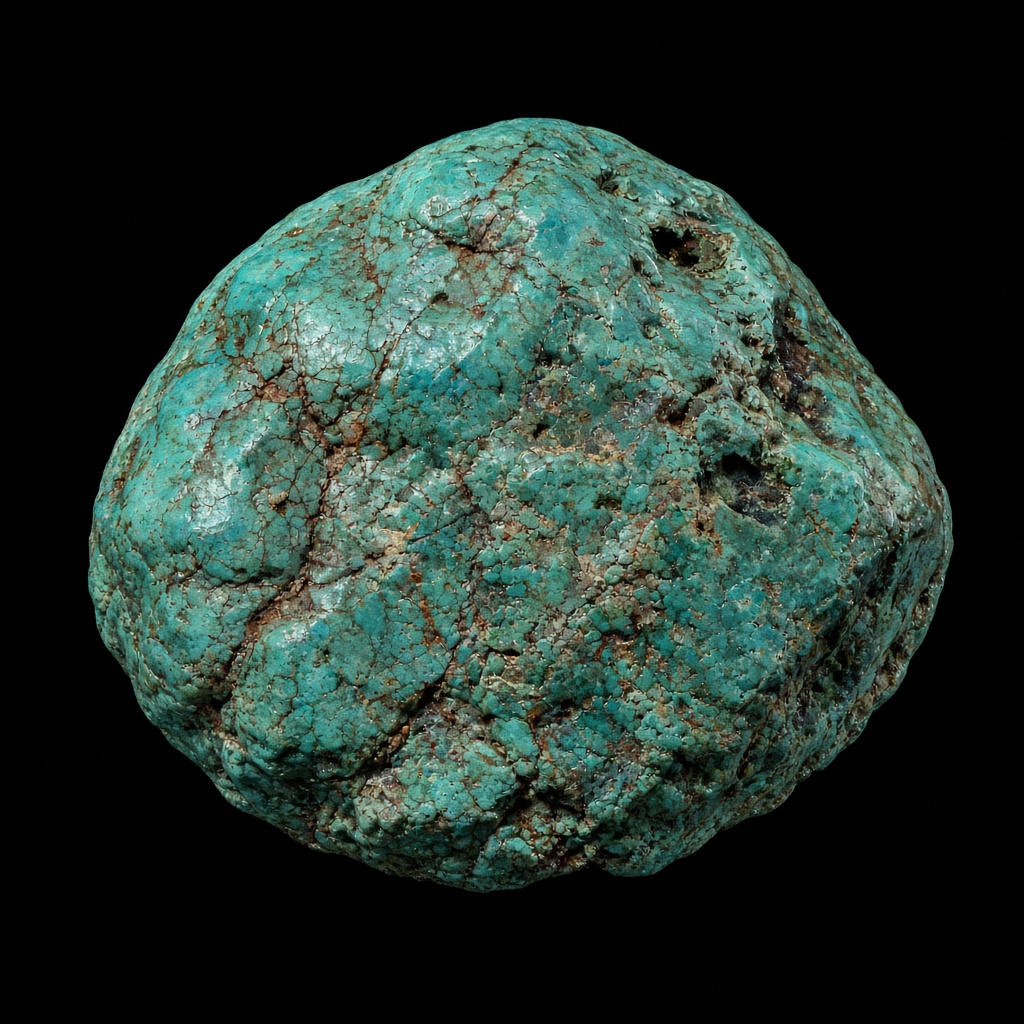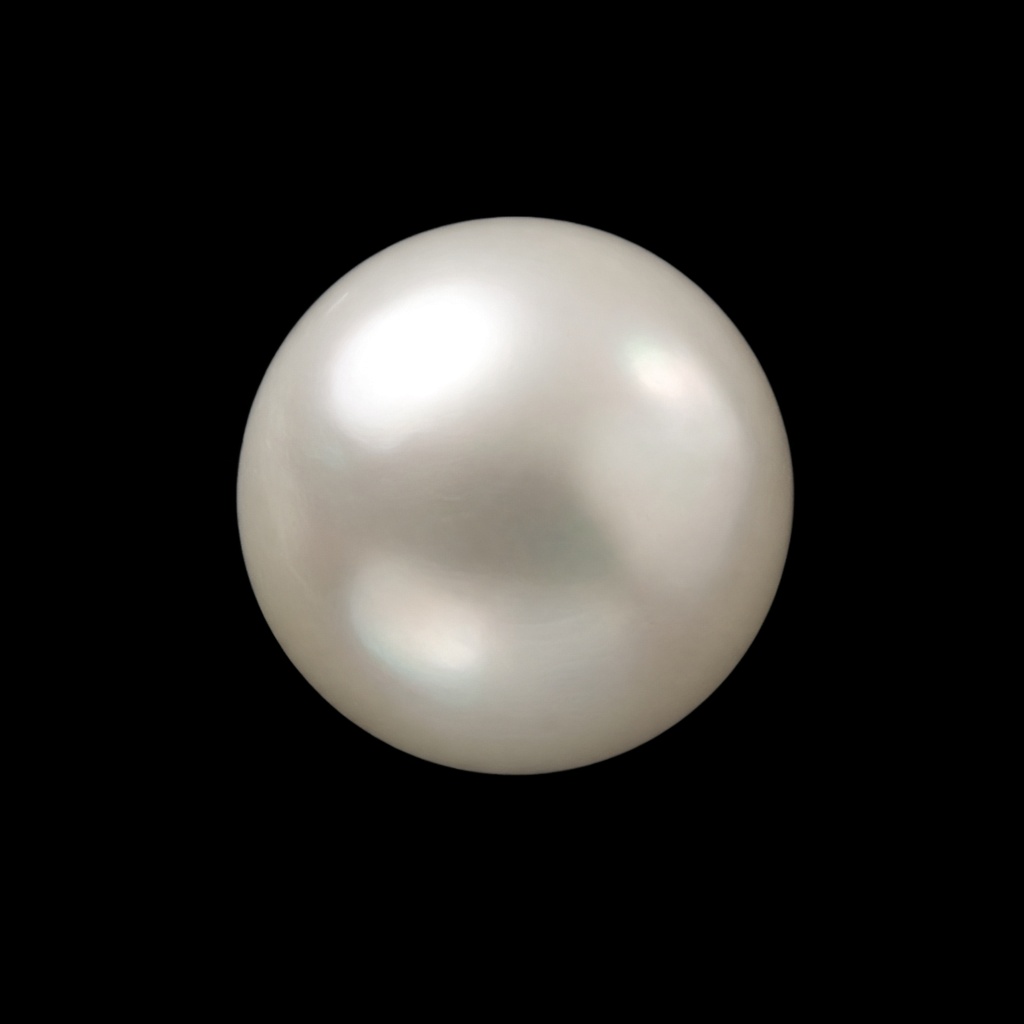
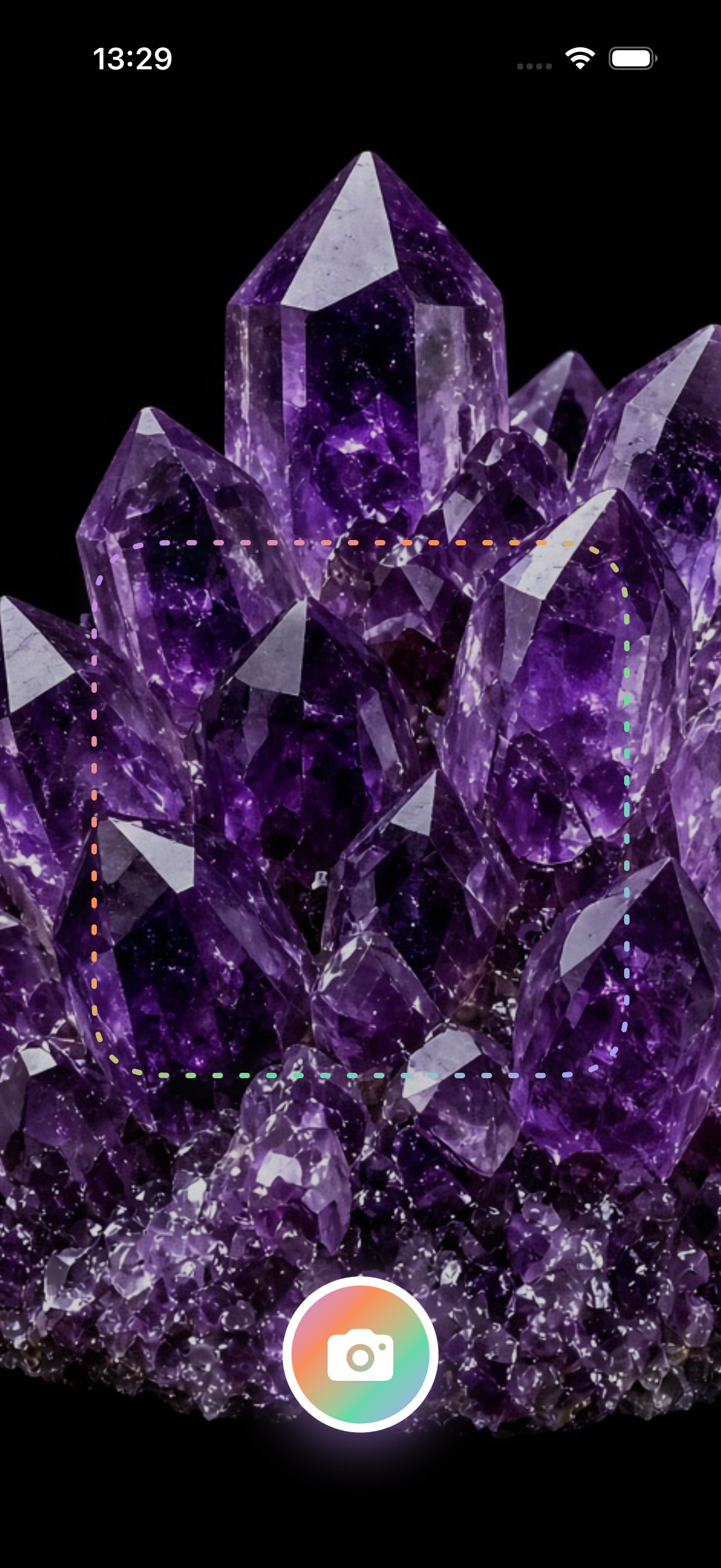
1. Snap a photo
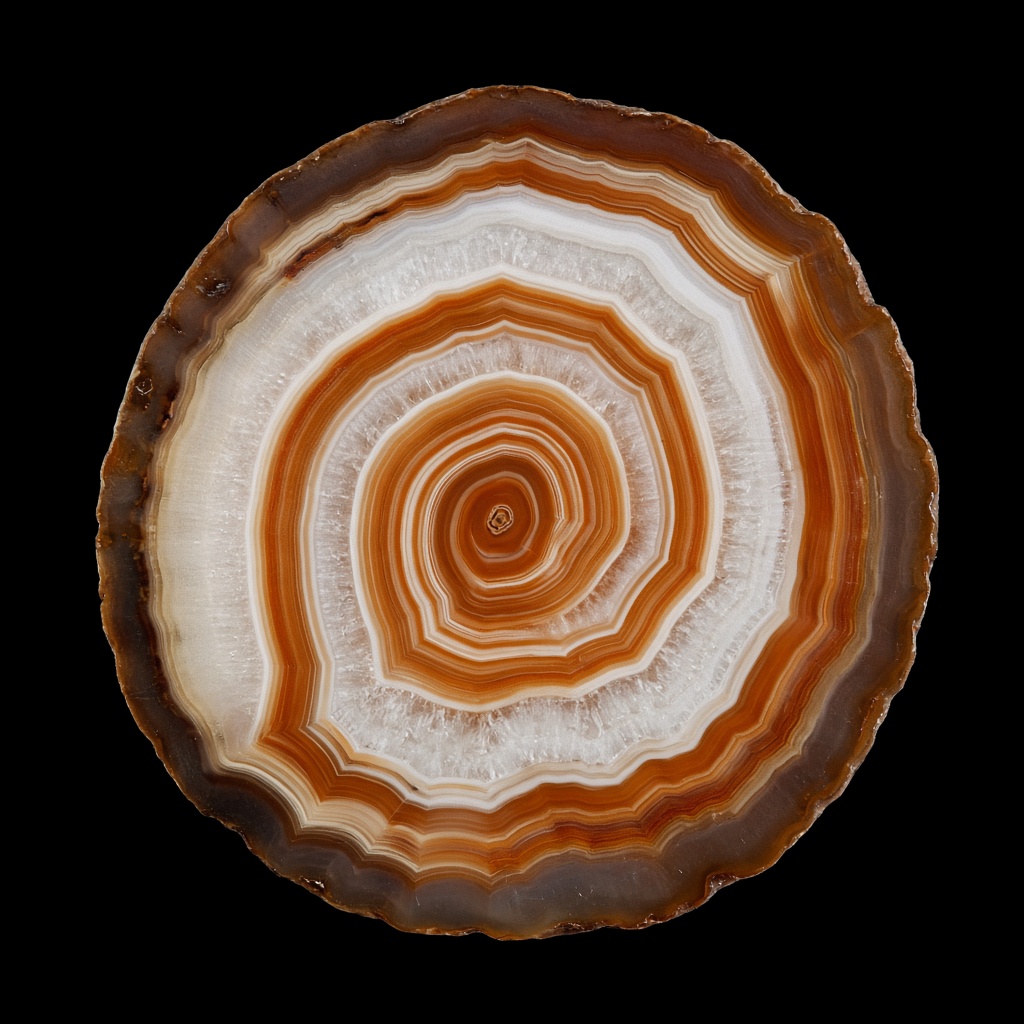
Use natural light and fill the frame with the specimen. One clear photo is enough to start.
RockScan
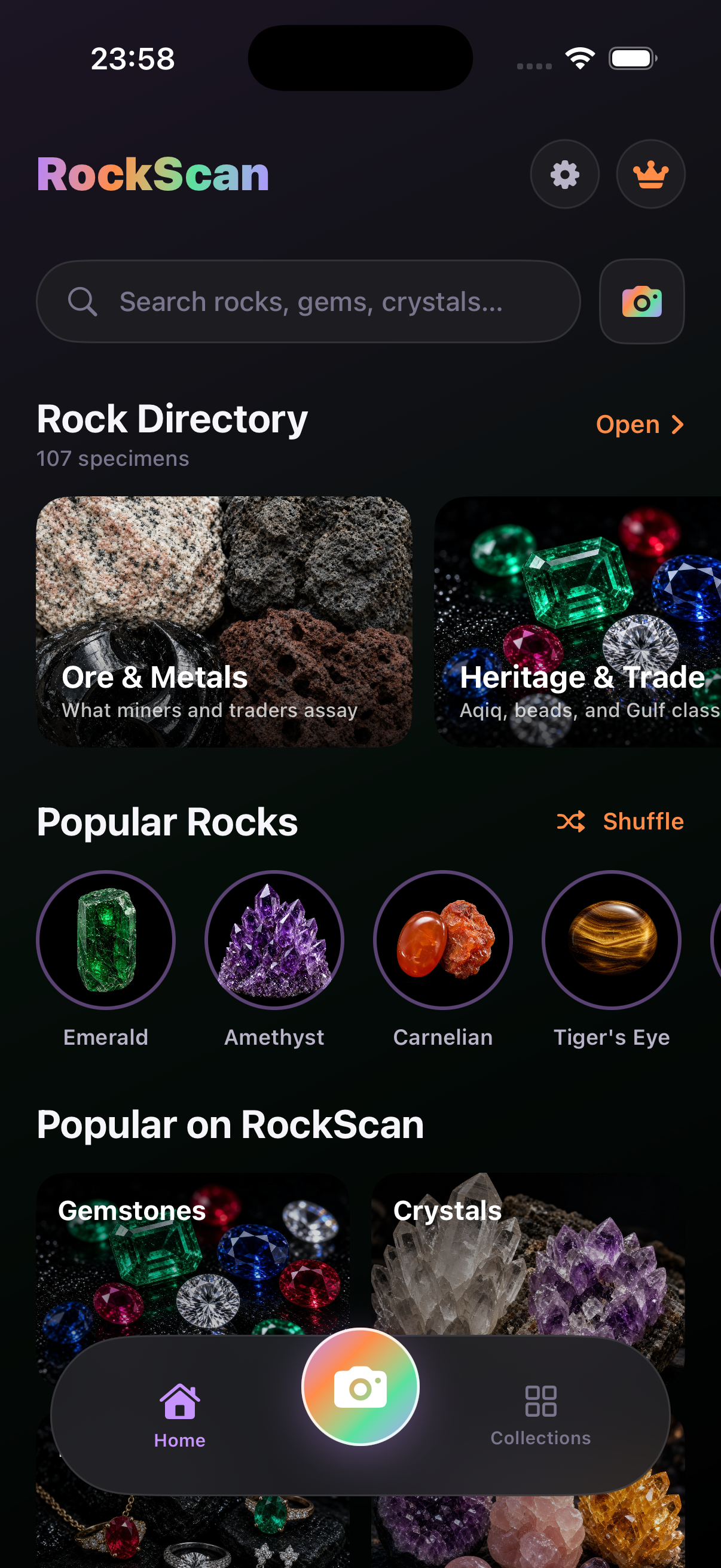
Wondering what kind of rock this is? Use RockScan to identify rocks by photo and get specimen facts — hardness, formation, lookalikes — on iPhone or in the browser.
Or read the rock identifier app overview.
Use natural light and fill the frame with the specimen. One clear photo is enough to start.
RockScan suggests the most likely rock, mineral, crystal, or gem with confidence.
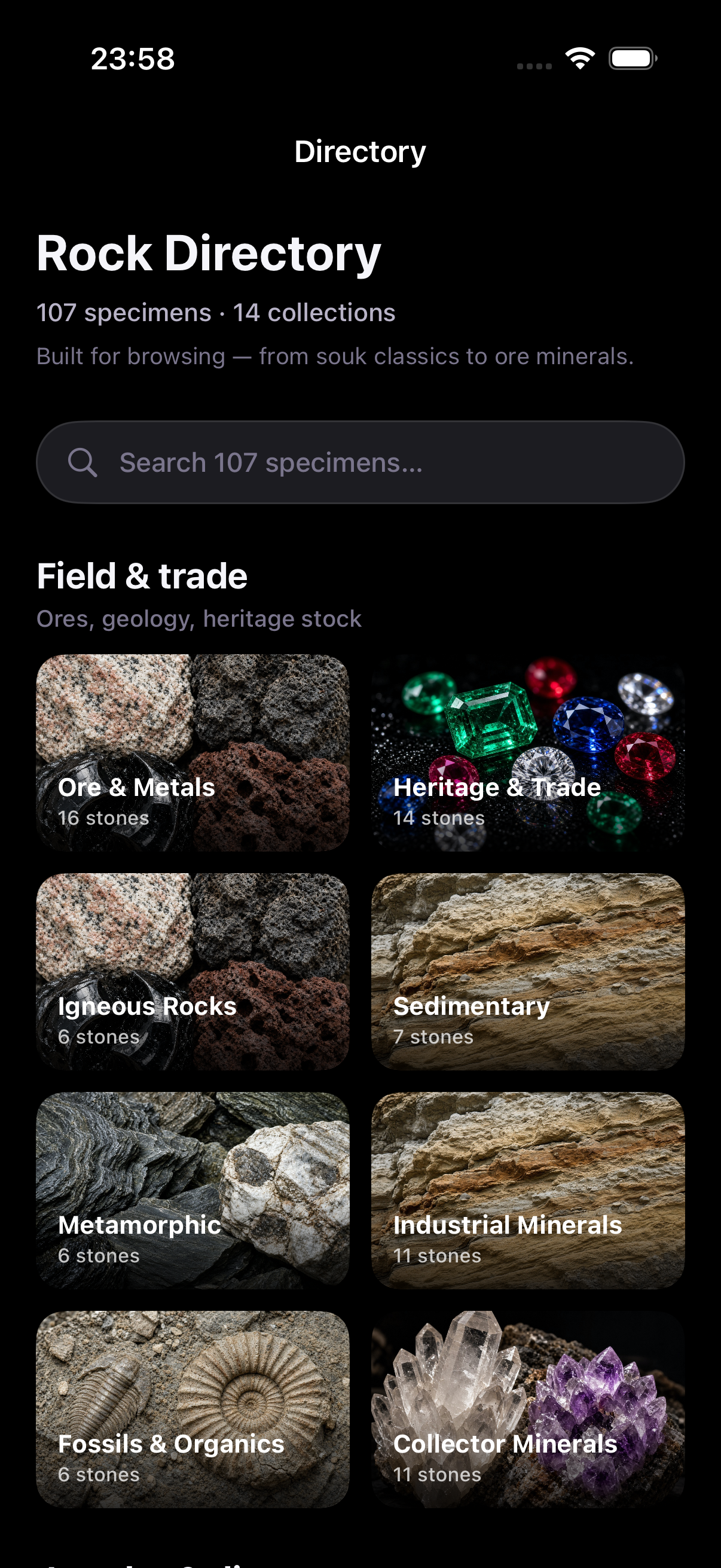
Confirm with hardness, formation, and lookalikes on the specimen card, then browse the directory.
If you found a stone and keep asking what kind of rock is this — or simply what is this rock — start with a photo ID. Upload a photo or picture of the specimen and RockScan suggests the closest match, then shows hardness, formation, and lookalikes so you can confirm the ID.
To identify rocks by photo, frame one specimen in natural light, upload it in the online studio or the rock identifier app, then compare the specimen card against simple field checks. For geology context, browse the directory.
If you saved a picture from a hike or estate lot, the same steps apply: one clear picture, scale in frame, diffuse light, then photo ID. “Identify rock by picture” and “identify rock by photo” are the same educational intent — this page owns that funnel so you are not bounced between thin URLs. Confirm hardness and lookalikes on the specimen card, then open the matching guide.
High-value guides from the rocks, minerals, and crystals hubs:
Collecting crystals? Try the crystal identifier. Learning the method? Read how to identify rock types or rock vs mineral vs crystal, then browse rocks, minerals, and crystals.
Snap a photo with RockScan to identify rocks by photo and get specimen facts — hardness, formation, and lookalikes — on iPhone or in the browser.
Upload a photo or picture and RockScan suggests what type of rock this is — igneous, sedimentary, metamorphic, or mineral specimen — with checks to confirm.
A specimen card with hardness, formation, lookalikes, and collector context for rocks, minerals, crystals, and gems.
Yes. Start with a free rock identifier scan. RockScan Pro unlocks unlimited photo IDs and Ask AI. See pricing for details.